Every server you use
Save all your Plex, Jellyfin, Emby, and Kodi servers and network folders. Switch between them from inside the app.
Free: one serverPlay the movies, shows, and music from your own server or NAS. Lumière plays the original file on your Apple device, with 4K HDR, Dolby Vision, and lossless audio where your hardware supports them.
For Apple TV, Mac, iPad, and iPhone
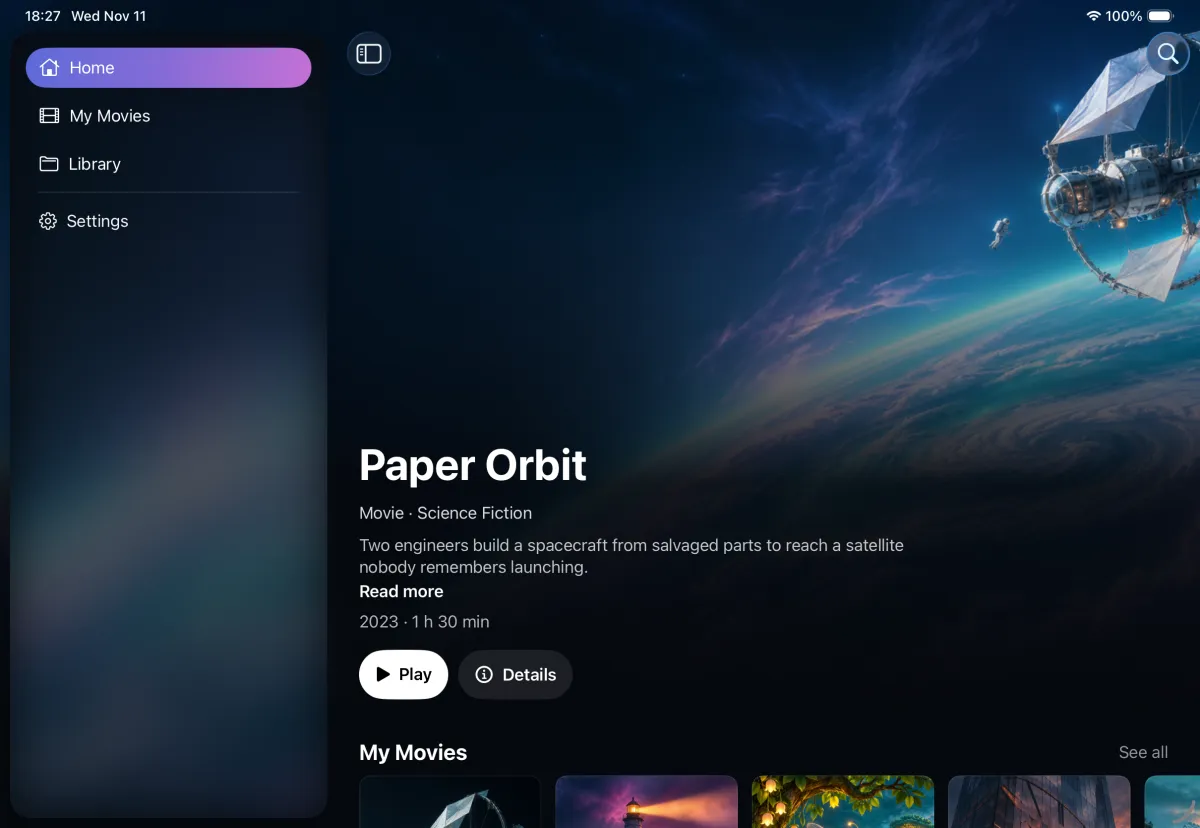
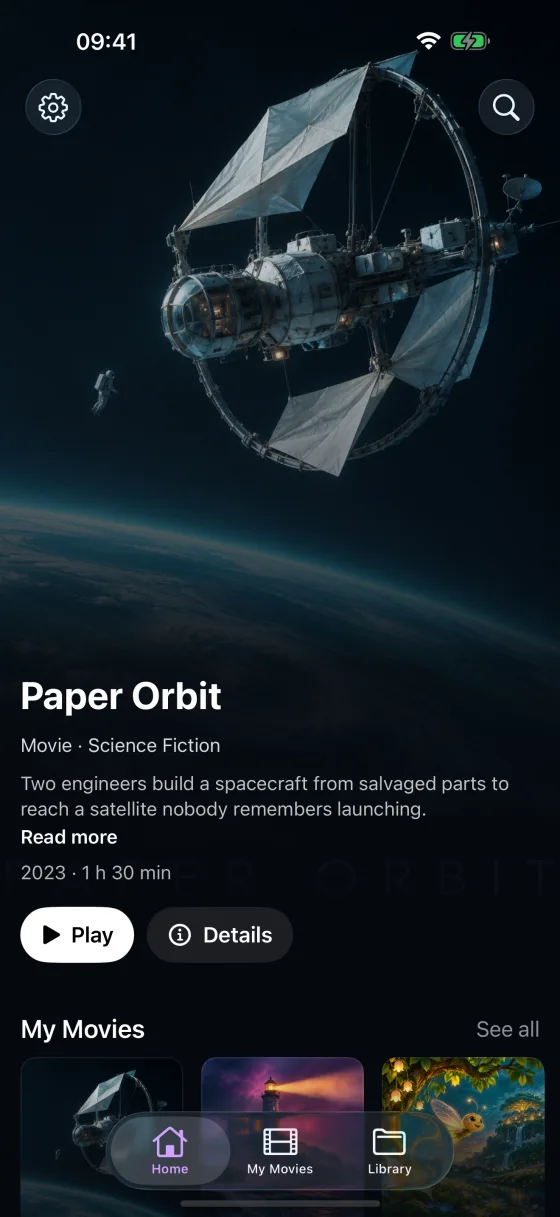
Your library
Sign in to your media server or open a network folder. Lumière does not move or copy your files.
A compatible media server, shared network folder, and network connection are required. Lumière does not supply movies, TV shows, or music.
Playback
Your server does not need to convert anything. Lumière repackages the file on your device and Apple hardware decodes the video. If a file needs more, the built-in VLC player takes over automatically.
Save all your Plex, Jellyfin, Emby, and Kodi servers and network folders. Switch between them from inside the app.
Free: one serverOpen every movie, series, and season on your server. Nothing is deleted or hidden when you stay on Free, it is only locked.
Free: 20 titlesPlays 4K HDR10 and Dolby Vision with Apple hardware decoding, Dolby Atmos from Dolby Digital Plus tracks, and lossless TrueHD and DTS-HD Master Audio. Results depend on your device and audio system.
Free: up to 1080p, stereoUse Lumière on every Apple TV, Mac, iPhone, and iPad on your Apple Account, with no limit on active devices.
Free: two devicesGo straight to the episode when your server marks where the intro ends. No button to press.
Free: manual Skip IntroKeep the video in a small window while you do something else, on Apple TV, Mac, iPhone, and iPad. Works with the Lumière player, and on iPhone and iPad also with the built-in VLC player.
Plus onlyCinema, Clear Voice, Theater, and Night Mode tune the sound for the film and the room, in both players. Change them while you watch. Default keeps the original sound, including Dolby Atmos.
Free: original soundLumière is free with the limits shown on each card. Lumière Plus removes them, through your Apple Account.
Music
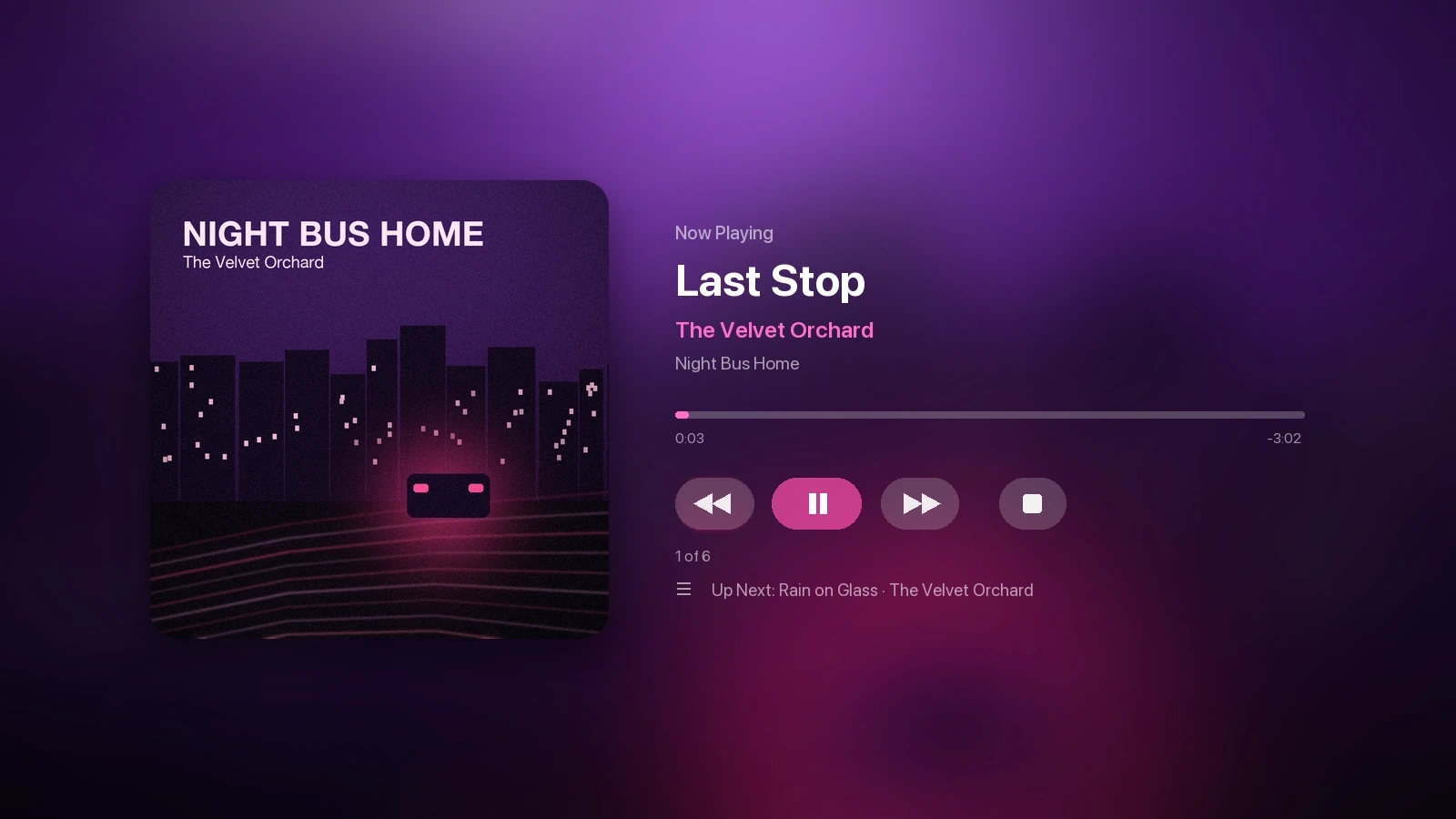
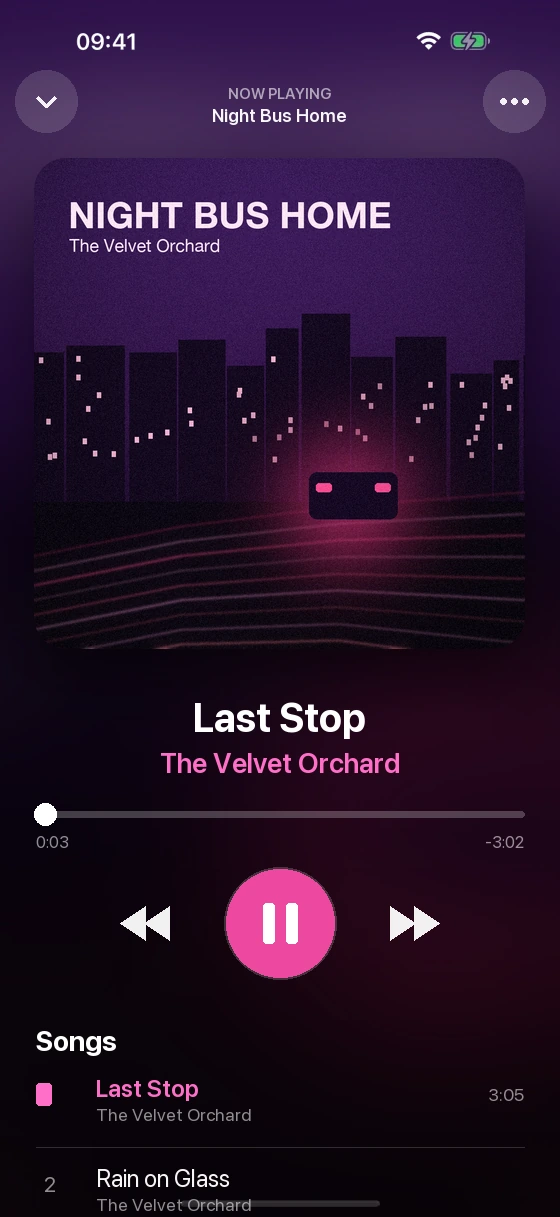
Use Lumière Server and your own albums sit next to your films. Pick a record on the big screen, keep it playing from your iPhone. The player shows the cover in full color, and similar songs play when the queue ends.
Needs Lumière Server.
Made for each device
Built with SwiftUI, not a web page in a wrapper. These are real screens from each app.
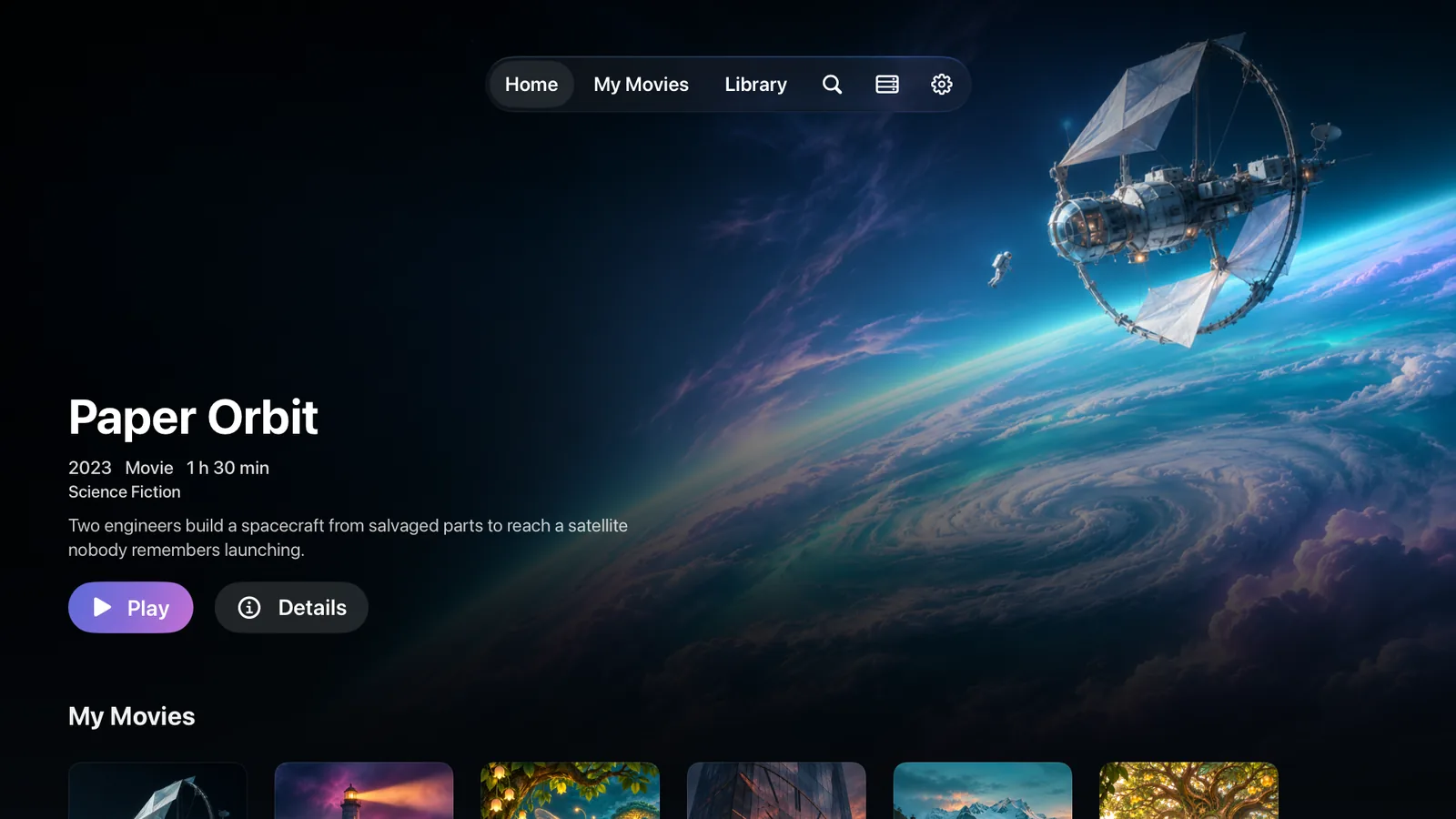
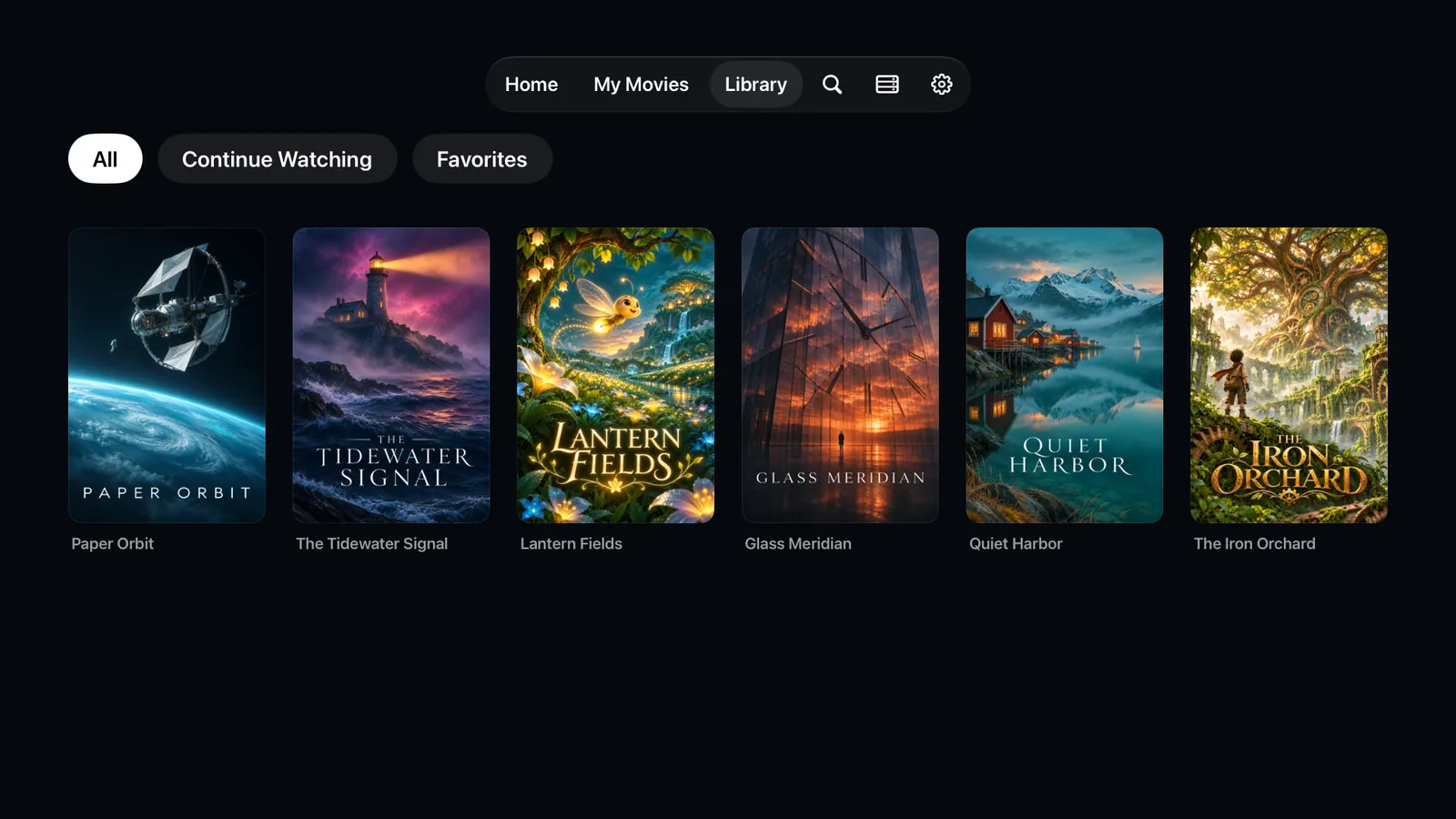
Large posters and title pages you move through with the remote. Top Shelf shows your library on the Home screen.
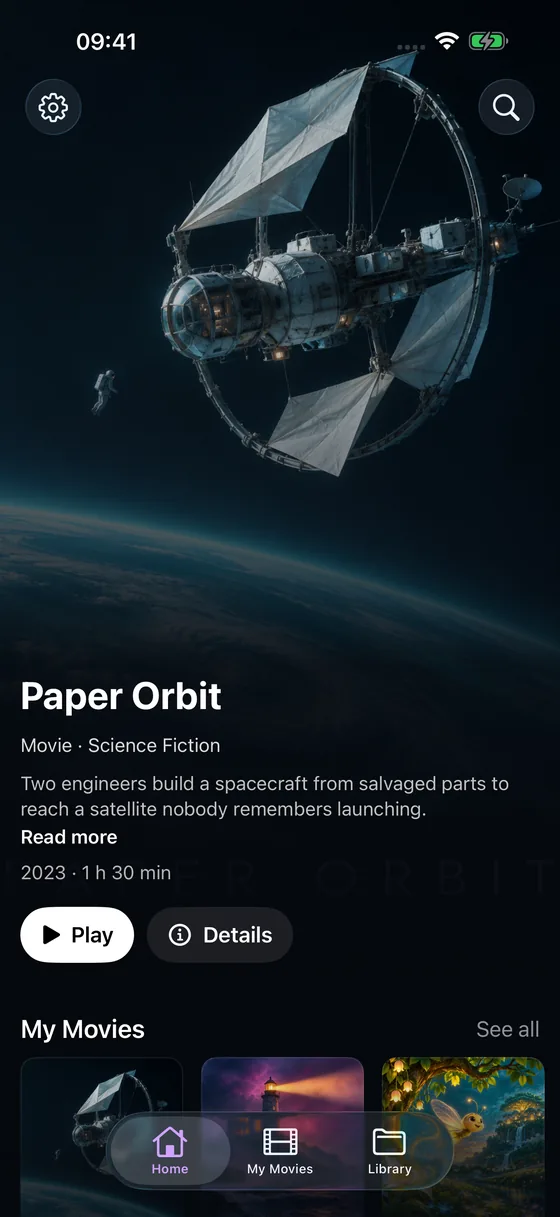
Touch controls with haptic feedback, and full-screen playback.
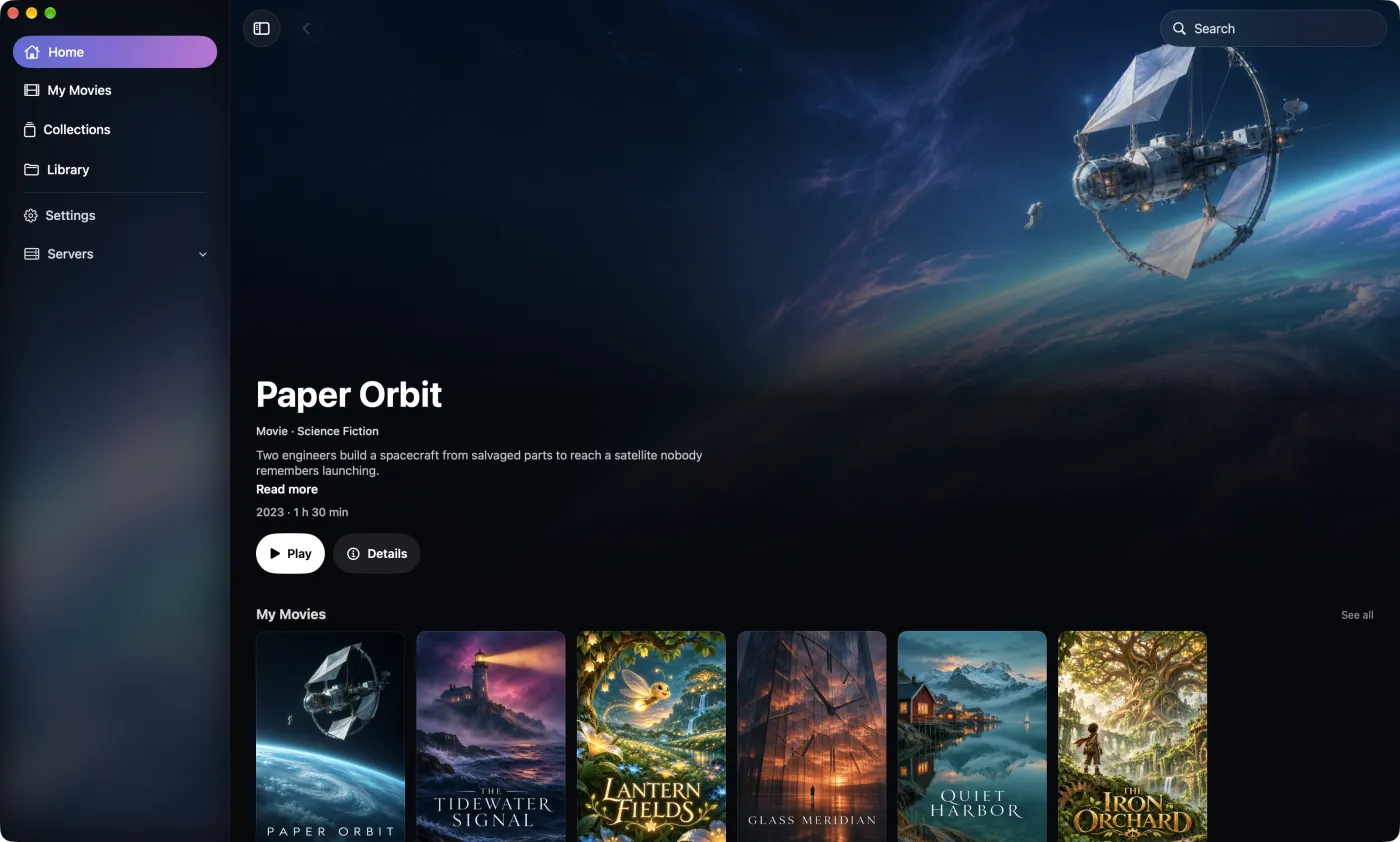
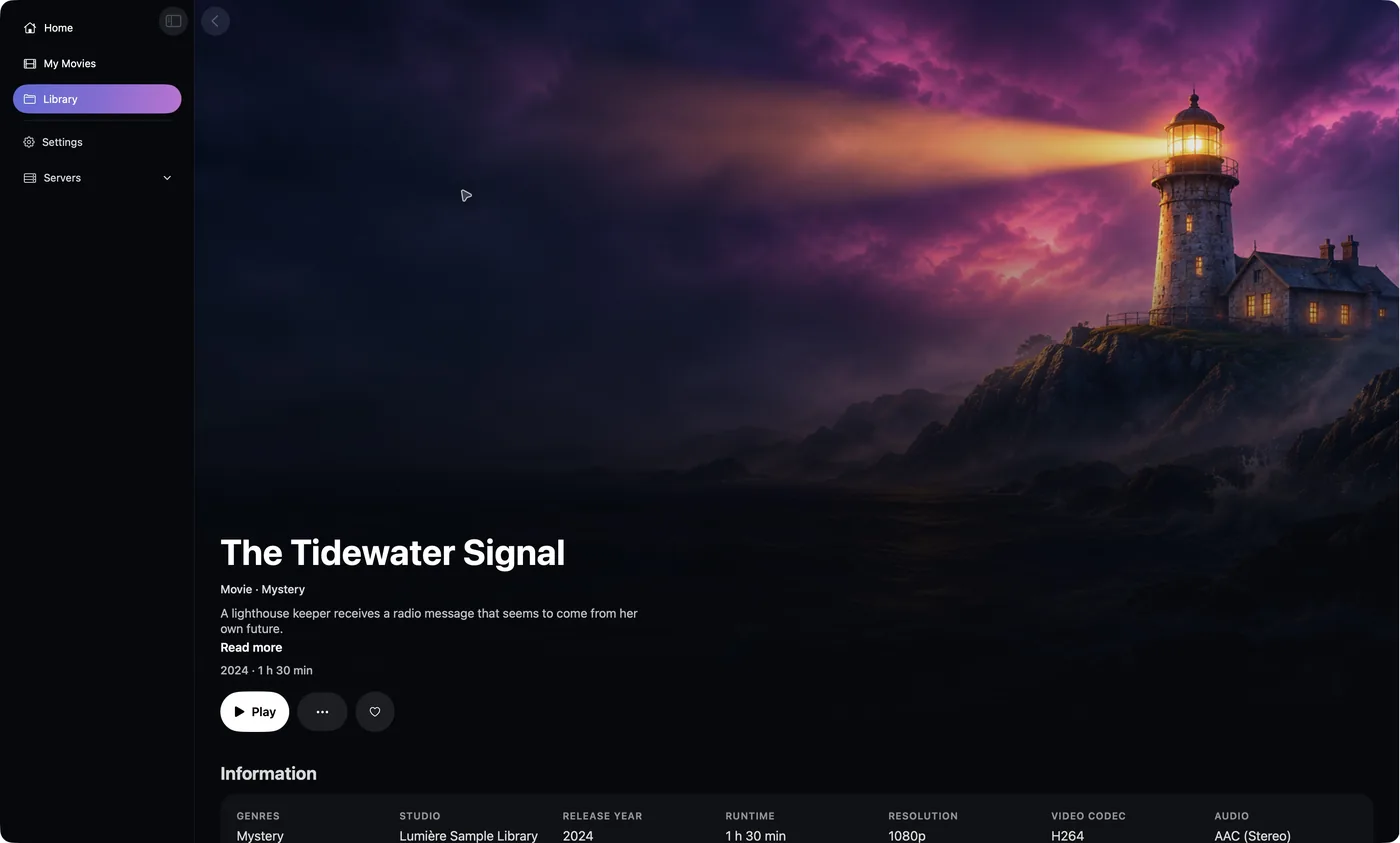
A desktop window with a sidebar, top-bar search, and keyboard shortcuts.
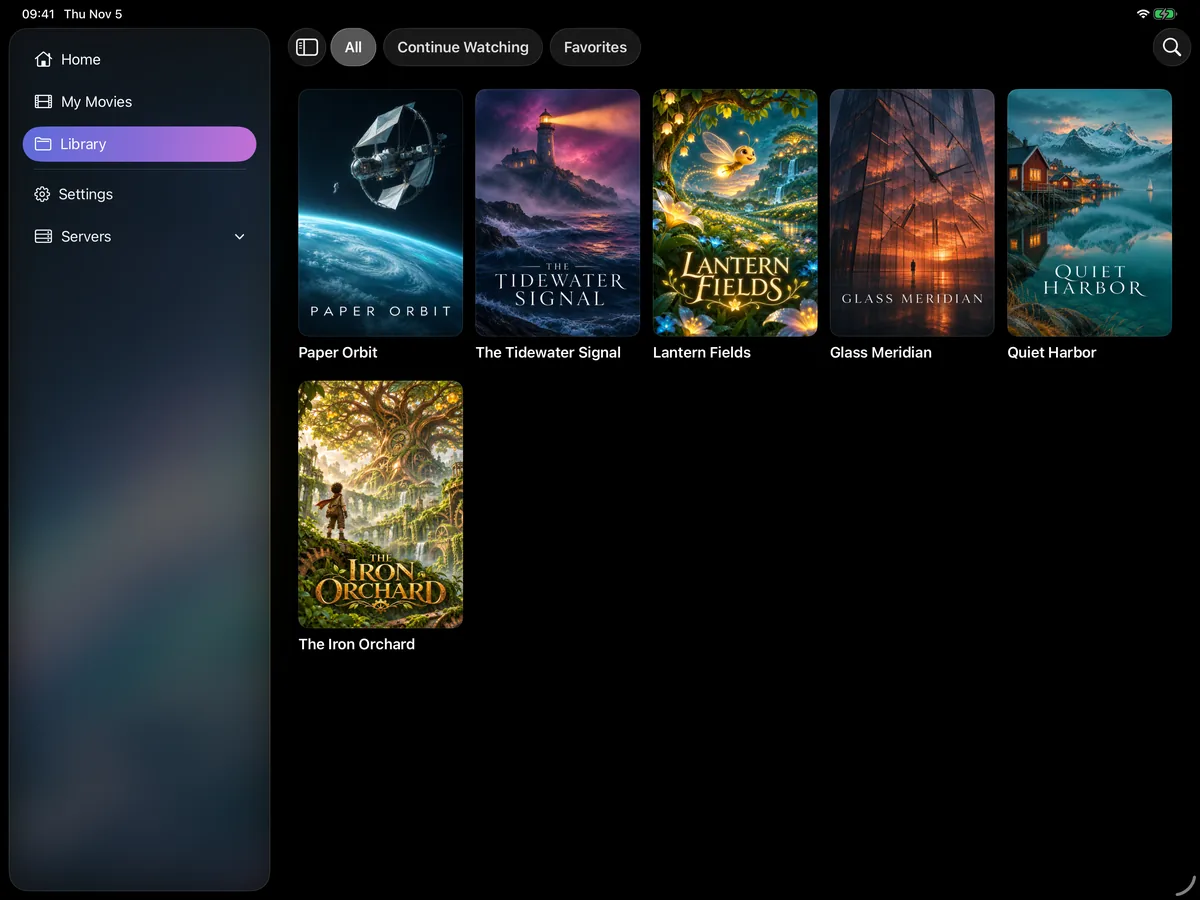
A larger layout with a sidebar, and Picture in Picture while you use other apps.
Privacy
Lumière has no servers of its own for your media. You do not make a Lumière account, and we do not receive what you watch.
 Lumière on your devicePlays them
Apple handles Lumière Plus purchases. Plex sign-in uses plex.tv. Trailers and some artwork can load from YouTube or TMDB, which have their own policies. Lumière Server runs on your own machine and sends nothing to us. Read the privacy policy ↗
One free download for all your Apple devices. Here is how to get it on each one.

Lumière Plus is optional and managed through your Apple Account.

 Lumière Apps
Get the app on Apple TV, Mac, iPad, and iPhone. Steps and requirements for each device.
Lumière Server
No media server yet? Native desktop apps for Mac, Windows, and Linux, plus Docker & NAS.
Available features, artwork, and playback performance depend on your server, network, and media formats. Lumière is an independent application and is not affiliated with, endorsed by, or sponsored by Plex, Jellyfin, Emby, or Kodi. Lumière does not supply or license media files.